Role-Based Dashboards in HRMS: Personalized Insights for Every Employee
Discover how role-based dashboards in HRMS deliver personalized, actionable insights for every user—executives, managers, HR, and employees. Learn the benefits, features, and best practices.
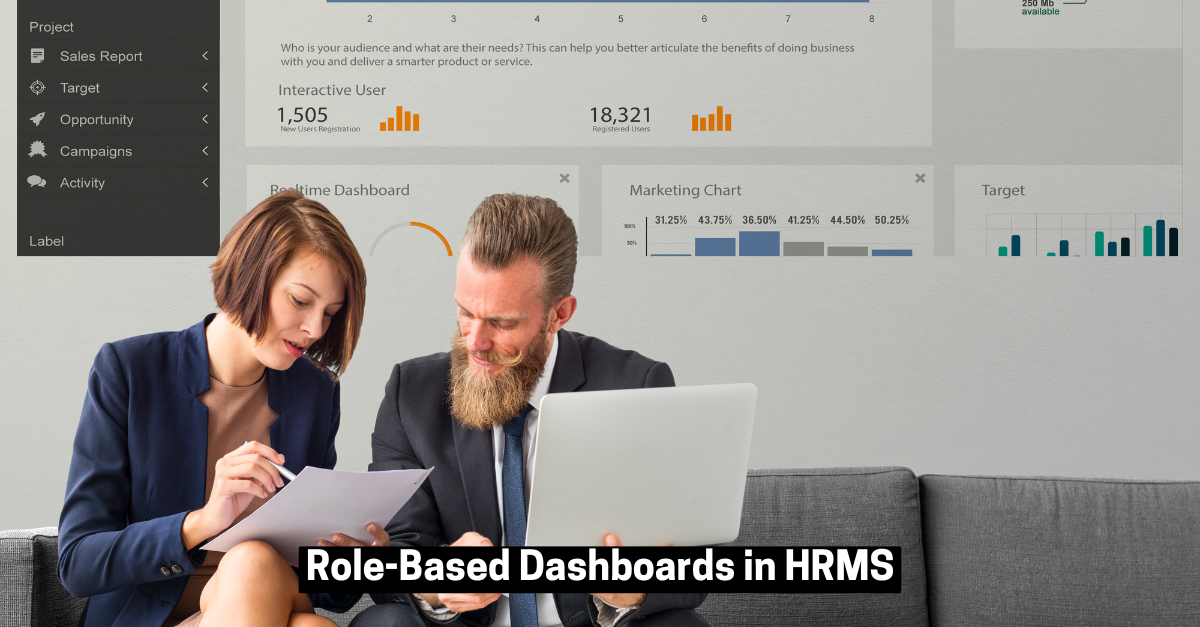
Role-Based Dashboards in HRMS: Personalized Insights for Every Employee
In today’s data-driven workplace, not every user needs the same information. A CEO wants strategic trends, a manager needs team performance, and employees care about their own leave or payslips. Role-based dashboards in HRMS solve this by delivering personalized, actionable insights tailored to each user’s needs—making HR data not just accessible, but truly useful.
Why Role-Based Dashboards Matter
Traditional HR systems often used a one-size-fits-all approach, giving everyone access to the same reports and charts. This led to frustration, wasted time, and poor adoption. Role-based dashboards filter out the noise, presenting only what’s relevant for each role—transforming HRMS from a generic reporting tool into a precision instrument for decision-making.
Key Benefits
- Relevant Data Only: Users see metrics and reports based on their responsibilities, reducing information overload.
- Faster Decisions: Stakeholders get real-time, role-specific data, improving efficiency and confidence.
- Better Adoption: Employees engage more with dashboards that speak directly to their needs, building trust in the HRMS.
- Improved Collaboration: Unified data sources ensure everyone works from the same version of the truth, aligning departments and reducing miscommunication.
Typical Role-Based Views in HRMS
A powerful HRMS tailors dashboards for every user type:
Executive Dashboard
- Headcount trends
- Turnover rates
- Cost per hire & ROI
- Diversity & inclusion metrics
- Workforce productivity vs. goals
HR Manager Dashboard
- Recruitment funnel & time-to-fill
- Training & learning programs
- Attrition risk zones
- Compliance alerts
- Payroll summaries & benefits
Line Manager Dashboard
- Team attendance & punctuality
- Performance ratings & appraisals
- Leave requests & approvals
- Task completion rates
Employee Self-Service Dashboard
- Leave balance & holiday calendar
- Payslips & salary history
- Expense reimbursements
- Upcoming training & compliance tasks
Essential Features of Effective Role-Based Dashboards
- Real-Time Data & Customizable KPIs: Live updates from attendance, payroll, and recruitment. Users can tailor KPIs to their needs.
- Drill-Down & Filter Capabilities: Zoom into details by location, department, or role. Click KPIs for deeper insights and compare with historical trends.
- Integration with HR Systems: Connects with HRIS, ATS, payroll, and learning systems for a unified view.
- Visual & Intuitive Layout: Clear graphics, trend lines, color coding for alerts, and mobile-optimized design for easy access.
Best Practices for Implementation
- Start with Core Roles: Build dashboards for executives, HR, managers, and employees first, then expand as needed.
- Prioritize Usability: Keep layouts clean and intuitive—avoid clutter.
- Enable Customization: Let users adjust their dashboard views and KPIs.
- Ensure Data Security: Use role-based access controls to protect sensitive information.
- Gather Feedback: Regularly update dashboards based on user input and evolving business needs.
Conclusion
Role-based dashboards are the foundation of a truly intelligent and personalized HR experience. By delivering the right insights to the right people at the right time, they boost productivity, speed up decision-making, and drive better business outcomes. In the modern workplace, a personalized HRMS dashboard isn’t just a feature—it’s a strategic advantage.