What Are the Pricing Models for HRMS Products Suitable for SMEs? (Complete 2026 Guide)
Learn the different HRMS pricing models for SMEs, including per employee, subscription, modular, freemium, and custom pricing. Find the best pricing model for your growing business.
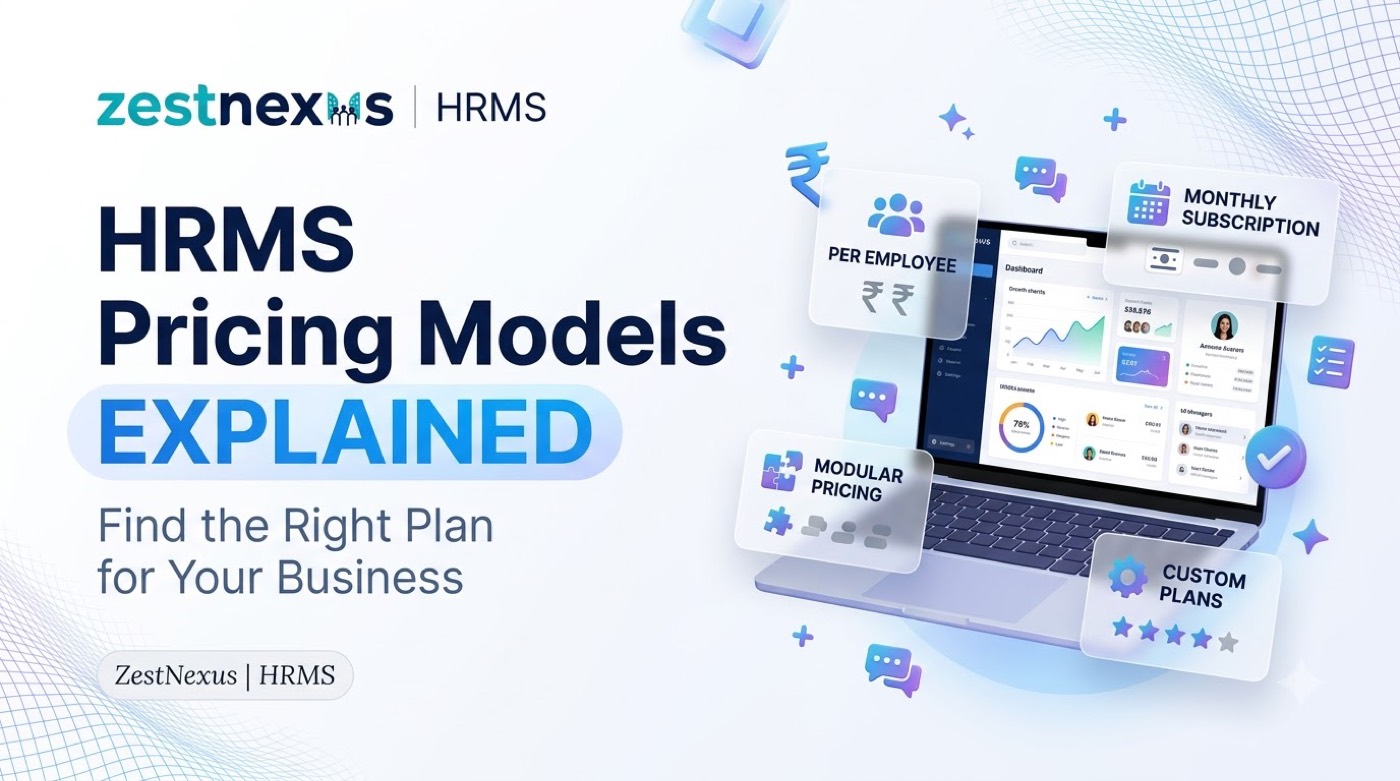
For small and medium-sized enterprises (SMEs), investing in a Human Resource Management System (HRMS) can significantly improve workforce management, payroll accuracy, attendance tracking, employee records, and compliance. However, one of the biggest questions business owners ask before purchasing HR software is: Which HRMS pricing model is best for my business?
The answer depends on your company size, budget, HR requirements, and growth plans. HRMS providers offer several pricing structures designed to accommodate startups, growing businesses, and established SMEs.
In this comprehensive guide, we’ll explain the most common HRMS pricing models suitable for SMEs, their advantages, disadvantages, and how to choose the right one for your organization.
Why HRMS Pricing Matters for SMEs
SMEs operate with limited budgets and lean HR teams. Choosing the wrong pricing model can result in:
- Paying for unused features.
- Unexpected monthly costs.
- Difficulty scaling as employee count grows.
- Hidden implementation or support charges.
A well-priced HRMS allows SMEs to automate HR operations while maintaining predictable expenses.
Benefits of choosing the right HRMS pricing model include:
- Better budget planning.
- Easy scalability.
- Lower administrative costs.
- Improved return on investment (ROI).
- Access to essential HR tools without overspending.
Common HRMS Pricing Models for SMEs
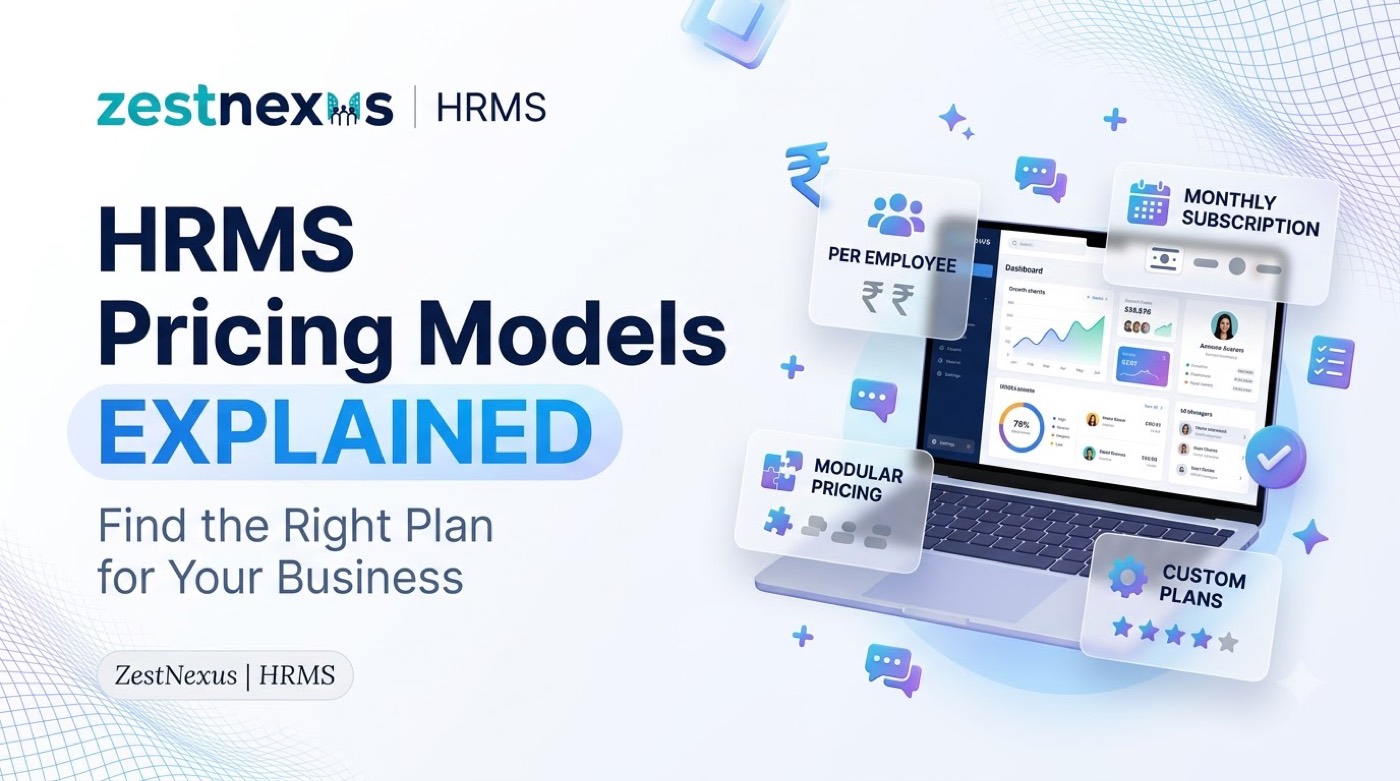
Most HRMS providers offer one or more of these pricing structures:
| Pricing Model | Best For |
|---|---|
| Per Employee Per Month (PEPM) | Small and growing businesses. |
| Fixed Monthly Subscription | SMEs with predictable employee counts. |
| Modular Pricing | Businesses needing selected HR features. |
| Freemium Model | Startups and micro businesses. |
| One-Time License | Businesses preferring on-premise software. |
| Custom Enterprise Pricing | Large SMEs with advanced HR needs. |
| Hybrid Pricing | Companies requiring flexibility. |
Let’s understand each pricing model in detail.
1. Per Employee Per Month (PEPM) Pricing
The Per Employee Per Month (PEPM) pricing model is the most popular HRMS pricing structure for SMEs.
How It Works
You pay a fixed amount for every active employee each month.
Example:
- ₹70 per employee/month
- 40 employees = ₹2,800/month
- 100 employees = ₹7,000/month
Suitable For
- Startups.
- Growing SMEs.
- Companies with changing workforce size.
Advantages
- Pay only for active employees.
- Easy to calculate monthly costs.
- Scales automatically as your business grows.
- Low initial investment.
Disadvantages
- Monthly expenses increase with hiring.
- Large employee growth may increase total software costs.
Best Use Case
Businesses with 10–250 employees looking for flexible pricing.
2. Fixed Monthly Subscription Pricing
This pricing model charges a fixed monthly fee regardless of employee count (within a predefined limit).
Example
| Plan | Monthly Price | Employee Limit |
|---|---|---|
| Starter | ₹1,999 | Up to 25 employees |
| Growth | ₹3,999 | Up to 75 employees |
| Business | ₹6,999 | Up to 200 employees |
Advantages
- Predictable monthly expenses.
- Budget-friendly.
- Includes multiple HR features.
Disadvantages
- Paying for unused employee capacity.
- Upgrading required after crossing employee limits.
Suitable For
Businesses with a stable workforce size.
3. Modular or Feature-Based Pricing
With modular pricing, businesses pay only for the HR modules they need.
Popular Modules Include
| Module | Purpose |
|---|---|
| Employee Management | Employee records and profiles. |
| Attendance Management | Biometric and attendance tracking. |
| Leave Management | Leave requests and approvals. |
| Payroll Management | Salary processing and compliance. |
| Recruitment | Hiring and applicant tracking. |
| Performance Management | Appraisals and KPIs. |
| Expense Management | Reimbursements and claims. |
Example Pricing
| Module | Approximate Cost |
|---|---|
| Attendance | ₹20/employee |
| Leave | ₹15/employee |
| Payroll | ₹30/employee |
| Recruitment | ₹25/employee |
Advantages
- Cost-efficient.
- No unnecessary features.
- Easy customization.
Disadvantages
- Costs increase when adding modules.
- Multiple modules may become expensive.
Suitable For
SMEs with specific HR automation needs.
4. Freemium HRMS Pricing Model
Many HRMS providers offer a free version with limited features.
What’s Usually Free?
- Employee directory.
- Attendance.
- Leave management.
- Basic reports.
Paid Features
- Payroll.
- Compliance.
- Recruitment.
- Mobile app.
- Advanced analytics.
Advantages
- No upfront investment.
- Test the software before upgrading.
- Great for startups.
Disadvantages
- Feature limitations.
- Limited support.
- Employee cap.
Best For
Businesses with 5–20 employees.
5. One-Time License Pricing
Instead of recurring subscriptions, businesses purchase the software once.
Example
- HRMS License: ₹75,000
- Annual Maintenance: ₹12,000
- Implementation Charges: ₹20,000
Advantages
- Long-term ownership.
- No monthly subscription.
- Suitable for on-premise deployment.
Disadvantages
- High upfront cost.
- Separate maintenance fees.
- Manual upgrades.
Best For
Businesses with internal IT infrastructure.
6. Custom Enterprise Pricing
Some HRMS vendors provide customized pricing based on business requirements.
Pricing Depends On
- Employee count.
- Multiple office locations.
- Payroll complexity.
- Custom workflows.
- API integrations.
- Compliance requirements.
Features Included
- Dedicated account manager.
- Custom onboarding.
- ERP integration.
- Advanced reports.
- Role-based permissions.
Advantages
- Tailored solution.
- Flexible implementation.
- Enterprise-level support.
Disadvantages
- Pricing is not publicly available.
- Longer implementation process.
Suitable For
Large SMEs with 250–1000+ employees.
7. Hybrid HRMS Pricing Model
Hybrid pricing combines multiple pricing models.
Example
- Base subscription: ₹2,500/month.
- Payroll module: ₹20/employee.
- Performance module: ₹10/employee.
Advantages
- Flexible.
- Scalable.
- Better cost control.
Best For
SMEs expecting business growth.
HRMS Pricing Models Comparison Table
| Pricing Model | Pros | Cons |
|---|---|---|
| PEPM | Scalable and affordable. | Monthly cost grows with employees. |
| Fixed Subscription | Predictable pricing. | Employee limits. |
| Modular | Pay only for needed features. | Costs increase with additional modules. |
| Freemium | Free to start. | Limited functionality. |
| One-Time License | No recurring subscription. | High upfront investment. |
| Custom Pricing | Tailored solution. | Pricing varies by business. |
| Hybrid | Flexible combination. | Slightly more complex billing. |
Factors That Affect HRMS Pricing
Several factors determine the overall cost of HR software.
1. Number of Employees
More employees usually mean higher monthly costs under PEPM pricing.
2. HR Features Required
Payroll, recruitment, performance management, and expense management may cost extra.
3. Cloud vs On-Premise Deployment
Cloud HRMS generally offers subscription pricing, while on-premise systems may use one-time licensing.
4. Payroll Complexity
Businesses with multiple salary structures, overtime rules, or compliance needs may pay more.
5. Multi-Location Workforce
Managing multiple branches or offices often requires advanced features.
6. Integrations
Connecting HRMS with:
- Accounting software.
- Biometric devices.
- ERP systems.
- Payment gateways.
- Employee self-service portals.
may increase pricing.
7. Customer Support
Premium onboarding, dedicated support, and training may be additional costs.
Hidden Costs SMEs Should Watch Out For
Before purchasing HRMS software, ask vendors about additional charges.
| Potential Hidden Cost | Description |
|---|---|
| Implementation Fees | Initial setup and configuration. |
| Data Migration | Importing employee records. |
| Training Charges | HR team onboarding sessions. |
| Customization | Custom workflows or reports. |
| API Integration | Connecting third-party tools. |
| Maintenance Fees | Mostly applicable for licensed software. |
Which HRMS Pricing Model is Best for Different SME Sizes?
| Business Size | Recommended Pricing Model |
|---|---|
| 1–20 Employees | Freemium or PEPM. |
| 20–50 Employees | PEPM or Fixed Subscription. |
| 50–150 Employees | Fixed Subscription or Hybrid. |
| 150–300 Employees | Hybrid or Modular. |
| 300+ Employees | Custom Enterprise Pricing. |
Why Cloud-Based HRMS is Cost-Effective for SMEs
Cloud HRMS has become the preferred option for SMEs because it reduces infrastructure costs and offers flexible pricing.
Benefits Include
- No server installation.
- Automatic software updates.
- Remote employee access.
- Mobile applications.
- Data backup and security.
- Easy scalability.
Typical Cloud HRMS Features
- Employee self-service.
- Attendance tracking.
- Leave management.
- Payroll automation.
- HR reports.
- Document management.
- Performance reviews.
Cloud pricing also allows businesses to start small and upgrade later.
How to Choose the Right HRMS Pricing Model
Before selecting HRMS software, SMEs should evaluate business requirements rather than only comparing prices.
Checklist for SMEs
- Current employee count.
- Expected hiring over the next 12–24 months.
- Required HR modules.
- Payroll and compliance needs.
- Budget for implementation.
- Need for biometric or accounting integrations.
- Customer support expectations.
- Mobile app availability.
- Free trial or demo availability.
Choosing software that can grow with your business often provides better long-term value than selecting the lowest-priced option.
Tips to Reduce HRMS Costs
- Start with essential modules only.
- Use cloud-based plans instead of expensive on-premise installations.
- Choose scalable pricing rather than fixed employee limits if hiring rapidly.
- Ask vendors about implementation and training costs upfront.
- Compare annual billing discounts with monthly plans.
- Avoid paying for advanced enterprise features your business doesn’t currently need.
Frequently Asked Questions
What is the most affordable HRMS pricing model for SMEs?
The Per Employee Per Month (PEPM) model is often the most affordable because businesses pay only for active employees and can scale costs as they grow.
Is a fixed subscription better than per-employee pricing?
It depends on workforce size. Fixed subscriptions provide predictable costs, while PEPM is more flexible for businesses with changing employee numbers.
Are free HRMS solutions suitable for SMEs?
Freemium HRMS solutions are suitable for startups and small businesses with basic HR needs, but growing companies often need paid features like payroll, compliance, and advanced reporting.
What additional costs should SMEs expect with HRMS software?
Possible additional costs include implementation, employee data migration, training, integrations, customizations, and premium customer support.
Can SMEs upgrade HRMS pricing plans later?
Yes. Most cloud HRMS providers allow businesses to upgrade plans or add modules as employee count and HR requirements increase.
Final Thoughts
Selecting the right HRMS pricing model for SMEs is about balancing affordability, scalability, and functionality. Businesses should evaluate how pricing aligns with employee growth, payroll requirements, compliance obligations, and HR automation goals.
For many SMEs, cloud-based subscription models provide the flexibility to start with essential HR features and expand as the business grows. Understanding the differences between per-employee pricing, fixed subscriptions, modular plans, freemium options, and custom enterprise pricing helps organizations choose an HRMS solution that supports both current operations and future expansion.
Similar blogs you may like