Leave Without Wage (LWW): Definition, Rules, Salary Computation & HR Management
Learn what Leave Without Pay (LWP/LWW) means, its rules, salary deduction formula, attendance impact, LWP vs LOP, payroll calculation, and HR best practices with ZestNexus HRMS.
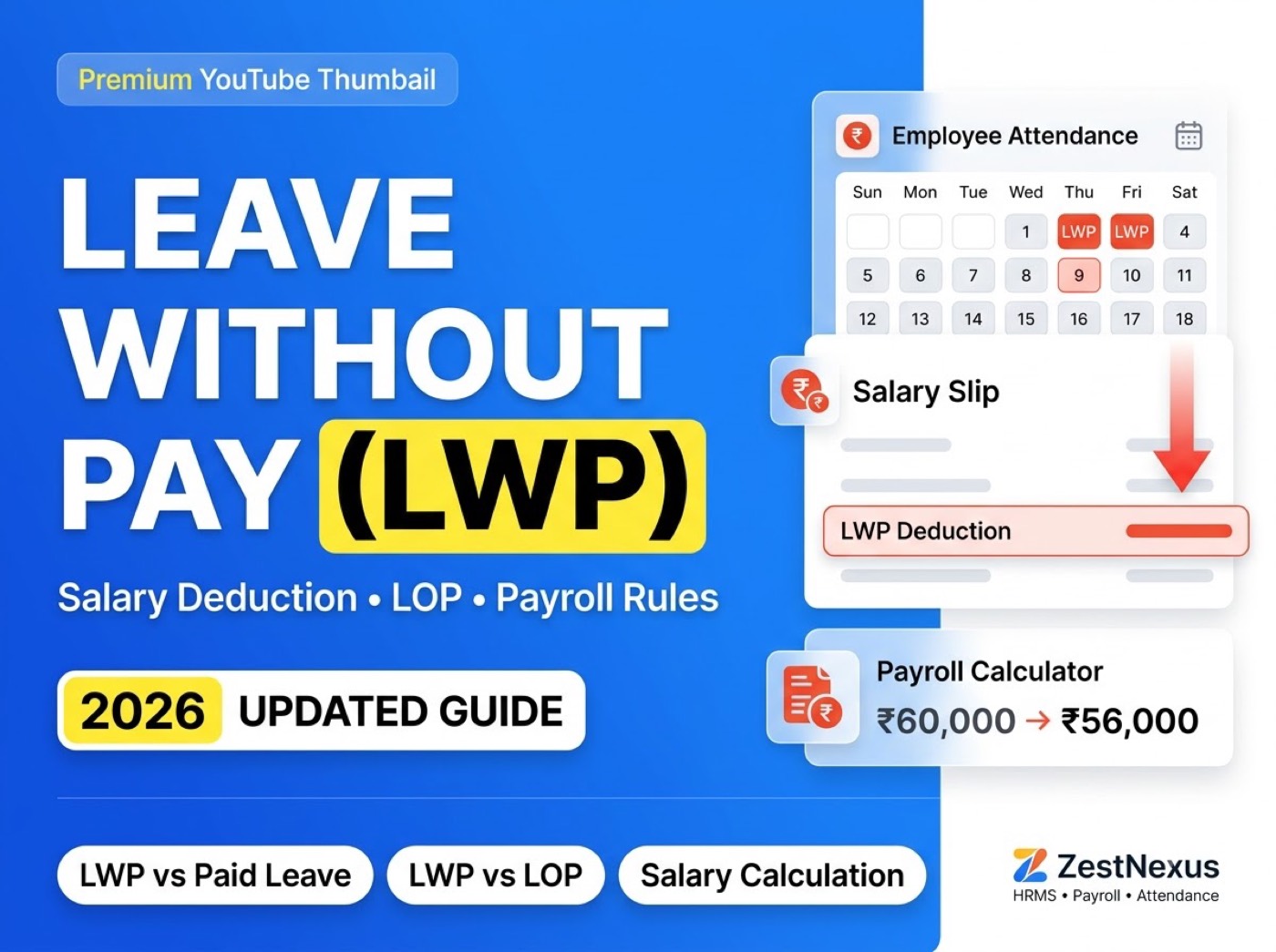
Sometimes employees need leave even after exhausting all their paid leave. In such situations, organizations may approve Leave Without Pay (LWP), also known as Leave Without Wage (LWW) or Loss of Pay (LOP).
Unlike paid leave, LWP is an approved absence where salary is generally not paid for the leave period. The approval process, eligibility, salary deduction method, and payroll impact depend on the organization’s leave policy and employment regulations.
For HR teams, managing LWP accurately is important because leave records directly affect attendance, payroll processing, salary calculations, and employee records.
What Is Leave Without Pay (LWP)?
Leave Without Pay (LWP) is an approved leave during which an employee does not receive salary for the leave period.
LWP may be granted when:
- The employee has exhausted all available paid leave.
- The employee requests additional leave for personal reasons.
- The company allows unpaid leave under specific circumstances.
- Management approves an extended unpaid absence.
LWP = Approved unpaid leave for a specific period where salary is generally not paid.
Example
An employee has used all annual paid leave but needs 3 additional days for personal work.
If the organization approves those days as LWP, payroll will treat those 3 days as unpaid leave.
LWP vs Paid Leave
The biggest difference between paid leave and Leave Without Pay is how salary is treated.
| Factor | Paid Leave | Leave Without Pay (LWP) |
|---|---|---|
| Salary | Salary is generally paid. | Salary is generally unpaid. |
| Leave Balance | Deducted from paid leave balance. | Usually does not use paid leave balance. |
| Payroll Impact | No salary deduction for approved leave. | May reduce payable salary. |
| Approval | Based on company leave policy. | Requires approval as per company policy. |
| Attendance Record | Recorded as paid leave. | Recorded as unpaid leave or LWP. |
Why Do Employees Take Leave Without Pay?
Employees may request LWP for several reasons.
1. Paid Leave Balance Is Exhausted
The employee has no remaining paid leave.
2. Personal Emergencies
Unexpected personal situations require additional time off.
3. Extended Time Off
Organizations may approve longer unpaid leave for special situations.
4. Special Circumstances
Certain leave situations may not qualify under paid leave categories.
5. Unauthorized or Excess Absence
Some organizations convert excess leave into LWP according to company policy.
How Leave Without Pay Affects Salary
The primary payroll impact of LWP is salary deduction for unpaid leave days.
Simple LWP Salary Deduction Formula
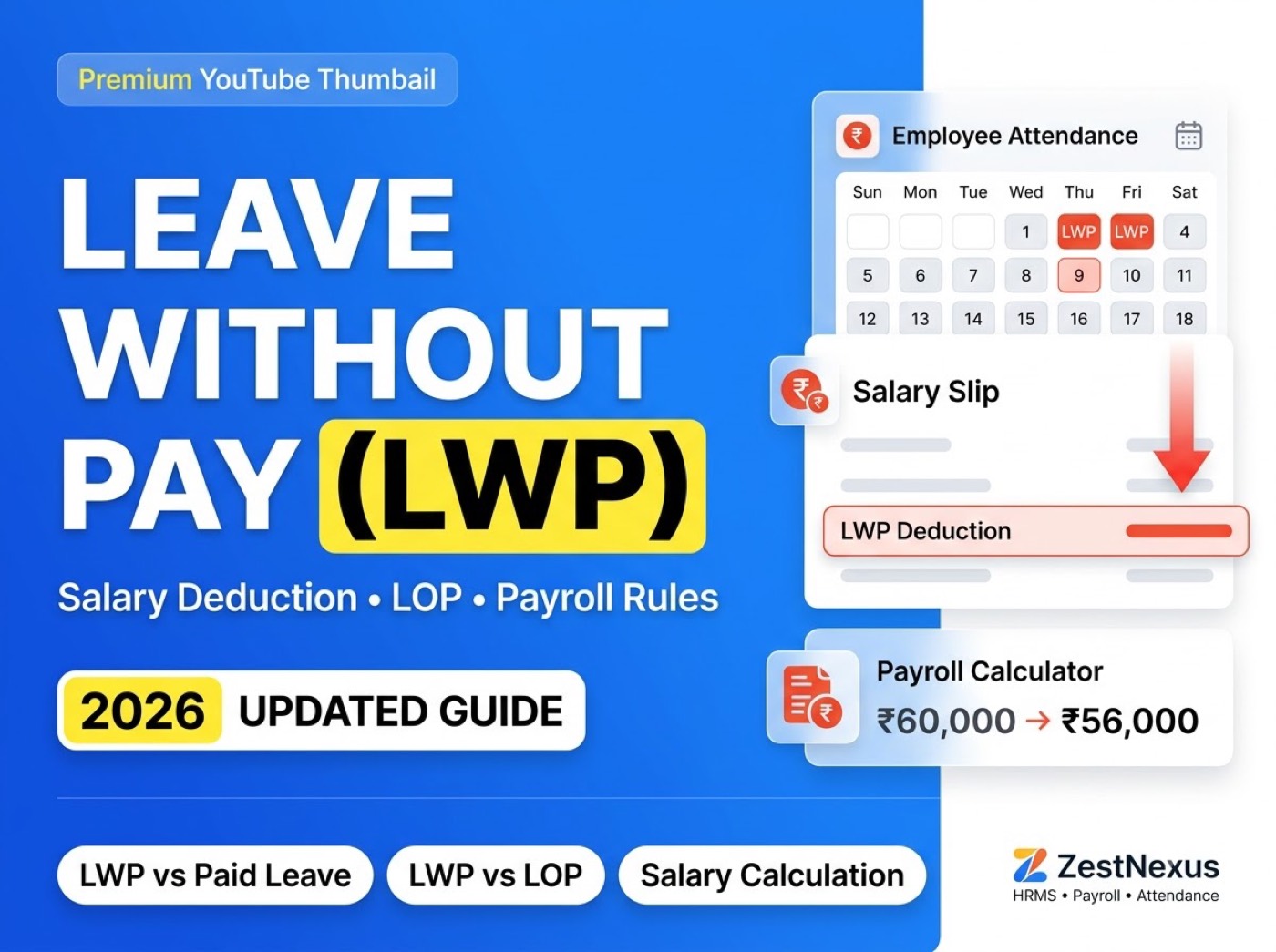
LWP Deduction = Daily Salary × Number of LWP DaysSalary Calculation Example
Assume:
- Monthly Salary = ₹60,000
- Payroll Days = 30
- LWP Days = 2
Step 1: Calculate Daily Salary
₹60,000 ÷ 30 = ₹2,000Step 2: Calculate LWP Deduction
₹2,000 × 2 = ₹4,000Step 3: Calculate Payable Salary
₹60,000 − ₹4,000 = ₹56,000Example Table
| Salary Component | Amount |
|---|---|
| Monthly Salary | ₹60,000 |
| Payroll Days | 30 |
| Daily Salary | ₹2,000 |
| LWP Days | 2 |
| LWP Deduction | ₹4,000 |
| Payable Salary | ₹56,000 |
Important: Every organization may use different payroll rules, salary-day calculations, or deduction methods based on company policy and applicable laws.
Does Leave Without Pay Affect Attendance?
Yes. LWP is recorded as a separate attendance status.
Monthly Attendance Example
| Attendance Type | Days |
|---|---|
| Present | 22 |
| Paid Leave | 3 |
| Weekly Off | 3 |
| Leave Without Pay | 2 |
| Total Days | 30 |
Accurate attendance records are essential because payroll calculations depend on finalized attendance data.
An integrated HRMS can automatically synchronize approved leave with attendance and payroll.
Leave Without Pay Process in HR
A typical LWP workflow follows these steps.
Step 1 — Employee Requests Leave
The employee submits a leave request through the HRMS or company leave process.
Step 2 — Leave Balance Is Checked
HR verifies whether paid leave is available.
Step 3 — Manager Reviews the Request
The reporting manager approves or rejects the request based on workload and company policy.
Step 4 — LWP Is Approved
If no paid leave is available and the request is approved, leave is marked as LWP.
Step 5 — Attendance Is Updated
Attendance records are updated with approved unpaid leave.
Step 6 — Payroll Is Processed
Payroll applies salary deductions based on approved LWP days.
Step 7 — Employee Receives Updated Payslip
The final payslip reflects applicable LWP deductions.
HR Workflow
Leave Request
      ↓
Manager Approval
      ↓
Attendance Update
      ↓
LWP Calculation
      ↓
Payroll Processing
      ↓
Updated Payslip
Why Accurate LWP Records Matter in Payroll
A small attendance error can create payroll mistakes.
Common Payroll Issues
- Incorrect LWP days recorded.
- Leave approval not reflected in payroll.
- Manual attendance mistakes.
- Incorrect daily salary calculation.
- Duplicate leave entries.
- Missing leave records.
- Delayed payroll updates.
Connecting leave management with payroll reduces these errors.
Leave Without Pay Policy
Every organization should define an LWP policy clearly.
A Good LWP Policy Should Include
- Eligibility criteria.
- Who can request LWP.
- Approval workflow.
- Maximum LWP duration.
- Required documents.
- Salary deduction method.
- Attendance treatment.
- Payroll treatment.
- Rules for extended absence.
- Consequences of unauthorized absence.
A documented policy reduces confusion for employees and managers.
Difference Between LWP and LOP
Although often used interchangeably, organizations may define them differently.
| Leave Without Pay (LWP) | Loss of Pay (LOP) |
|---|---|
| Refers to unpaid leave status. | Refers to salary deduction resulting from unpaid leave. |
| Focuses on approved absence. | Focuses on payroll impact. |
| Attendance status. | Payroll outcome. |
Example
2 Days LWP Approved
        ↓
Payroll Applies LOP Deduction
The terminology depends on the organization’s HR and payroll policy.
Common Challenges in Managing Leave Without Pay
HR teams often face operational challenges while managing LWP.
Manual Salary Calculations
Salary deductions become time-consuming.
Attendance and Payroll Mismatch
Payroll may not reflect approved leave correctly.
Approval Delays
Late approvals delay payroll processing.
Poor Visibility
HR lacks centralized LWP records across teams.
Record-Keeping Issues
Multiple spreadsheets increase the risk of payroll errors.
Best Practices for Managing LWP
Organizations can simplify LWP management by following structured HR processes.
Create a Clear LWP Policy
Define eligibility, approval rules, documentation, and payroll treatment.
Use a Standard Approval Workflow
Clearly assign approval responsibilities.
Connect Leave With Attendance
Approved LWP should automatically update attendance.
Integrate Leave With Payroll
Payroll should calculate deductions from finalized attendance.
Maintain an Audit Trail
Track leave requests, approvals, attendance changes, and payroll updates.
Communicate Salary Impact Clearly
Employees should know how LWP affects salary before leave approval.
Managing Leave Without Pay with ZestNexus HRMS
Managing leave, attendance, and payroll separately often leads to manual work and payroll errors.
ZestNexus HRMS integrates these HR operations into one platform.
ZestNexus Helps HR Teams Manage
- Employee leave requests.
- Leave approvals.
- Leave balances.
- Attendance tracking.
- LWP and LOP records.
- Payroll processing.
- Salary deductions.
- Employee payslips.
- HR and payroll reports.
Benefits of Using ZestNexus
- Centralized employee records.
- Automatic attendance updates.
- Payroll-ready leave records.
- Reduced manual payroll calculations.
- Accurate LWP deductions.
- Better compliance and reporting.
Instead of copying leave information into payroll spreadsheets manually, ZestNexus keeps leave, attendance, payroll, and employee records synchronized automatically.
Frequently Asked Questions
Is Leave Without Pay the Same as Unpaid Leave?
Yes. Leave Without Pay generally refers to approved unpaid leave where salary is not paid for the leave period.
Does Leave Without Pay Reduce Salary?
Yes. Approved LWP generally results in salary deduction based on payroll rules and company policy.
Can an Employee Apply for LWP?
Yes. Employees can request LWP if the organization’s leave policy allows unpaid leave and the request is approved.
Does LWP Affect Attendance?
Yes. LWP is recorded as an unpaid leave or attendance status for the applicable dates.
What Is LOP in Payroll?
Loss of Pay (LOP) refers to salary reduction because of unpaid leave or other unpaid absence days.
How Does HR Software Calculate LWP Deduction?
An integrated HRMS automatically records approved LWP, updates attendance, applies payroll rules, calculates salary deductions, and reflects the deduction in the employee’s payslip.
Conclusion
Leave Without Pay (LWP), also known as Leave Without Wage (LWW), is an important part of leave and payroll management. It helps organizations manage approved employee absences when paid leave is unavailable or when company policy allows unpaid leave.
For HR teams, accurate coordination between leave approvals, attendance records, payroll calculations, and payslips is essential to avoid salary errors and maintain compliance.
As organizations grow, managing LWP manually through spreadsheets becomes time-consuming and error-prone. An integrated HRMS like ZestNexus simplifies the entire workflow by connecting Leave → Attendance → Payroll → Payslip, making LWP management more accurate, transparent, and efficient.
Similar blogs you may like